
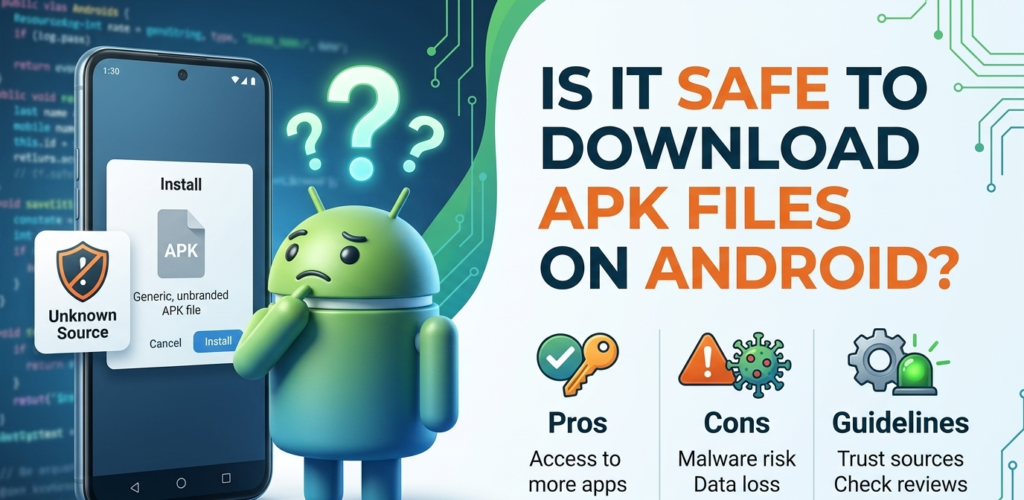
Depends entirely on where the file came from. Download winzaa APK files are just Android app packages. Every app on the Play Store is an APK. The difference is that Play Store handles delivery and runs checks before the file reaches your phone. A direct APK download skips that step.
That does not make them dangerous by default. It means you need to pay slightly more attention to the source.
Why Download Winzaa APK Some Are APK-Only
Google’s Play Store restricts certain app categories in certain countries. Real-money gaming apps in India fall into this category. Not because they are unsafe, but because of policy. Several platforms that have operated for years distribute as APKs because the Play Store is not an option for them.
Other reasons: the app is region-specific and not listed in your country’s store, it’s in beta, or it’s an older app no longer maintained on the store but still working.
The category covers both legitimate platforms and genuinely risky files. Knowing it is an APK tells you nothing useful. Knowing where it came from does.
What Actually Determines Whether an APK Is Safe
The source. That is the only thing that matters.
An APK downloaded from the official website of a platform that has been operating for years is a different situation from an APK link someone sent in a Telegram group. One comes from a company with a track record and an incentive to keep the file clean. The other comes from somewhere you cannot verify at all.
Practical things worth checking before installing:
The platform has been running long enough to have a footprint outside its own website. Search the name on Reddit or any tech forum. If money has gone missing or withdrawals have been blocked systematically, it tends to come up.
The download is on the official domain. For Winzaa, that is winzaa.pro/download/. Not a mirror site. Not a Telegram link. Not a similar-looking domain.
The app uses UPI for withdrawals. This keeps your bank login completely outside the app. For financial apps specifically, this matters.
The Warning Screen Android Shows You
When you install an APK, Android asks: “Allow from this source?” or “Install unknown apps?”
It shows this for every APK from outside the Play Store, regardless of what the app actually is. It is a category warning, not a specific flag on the file you are installing. Google built it to cover everything outside the store, not to tell you this particular app is suspicious.
You enable the permission, install the app, then turn it off again. Leaving it permanently on for your browser is a small unnecessary risk. Takes ten seconds to disable after you are done.
What Is Actually Risky
Downloading from unverified sources. A modified APK from a third-party site can include code that accesses your contacts, messages, or other data. This is real.
Third-party mirrors. If you download from somewhere other than the official site, you might get an older version with security issues the current version has already patched.
Phishing sites. Some are built to look like legitimate platforms. Type URLs directly or use bookmarks. Avoid clicking through from social media or search ads.
What Gets Overstated
“APKs steal your data” is a generalisation. Any app on your phone, Play Store or not, can access what you give it permission to access. The install method is not the relevant variable. Permissions are.
“APK apps always have viruses” is not accurate either. An APK is a container. What is in it depends on who built the app.
For Winzaa Specifically
Download from winzaa.pro/download/ only. Use UPI for withdrawals so your bank credentials stay out of the app. Turn the unknown sources permission off after installing. If you notice unusual battery drain or data usage after installing any unfamiliar app, that is worth investigating before ignoring.
