
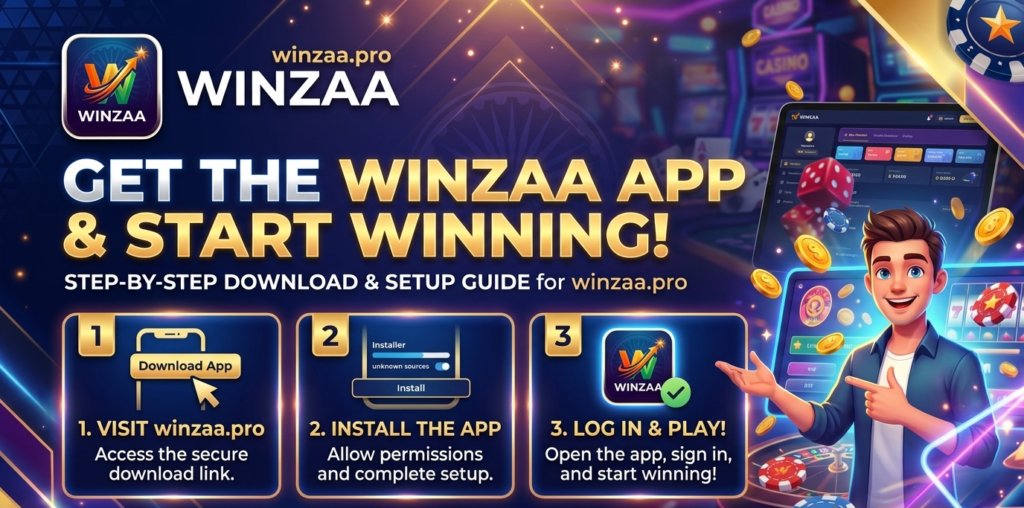
Winzaa is a mobile gaming app built for Indian players. It runs on Android, installs as an APK from winzaa.pro, and lets you earn real rewards by playing skill-based games. This page covers how to get the app, what registration looks like, and how withdrawals work.
The app is not on the Google Play Store. Google’s Play Store policy in India restricts real-money gaming apps in this category, so it is distributed as an APK from the official website. Installing it takes one extra step compared to a Play Store app.
How to Register Your Winzaa Account
You’ll need an active Indian phone number to register. Bank details or a UPI ID are needed later for withdrawals you don’t have to add those during signup if you’d rather do it afterward.
- Open the Winzaa app and tap Register
- Enter your phone number and confirm with the OTP sent via SMS
- Fill in your name and email address
- Add your UPI ID or bank account details when prompted
Welcome Bonus
The Welcome Bonus is credited to your account when you complete registration through winzaa.pro. Nothing to claim or activate separately.
The bonus gives you funds to start playing before putting in your own money. It comes with conditions: wagering requirements, eligible games, expiry dates. The Promotions section inside the app has the current terms. A quick read before you start saves confusion later if a balance is not showing as withdrawable.
One account per phone number is the policy. Multiple accounts violate the terms of service and usually end in a permanent ban on all associated accounts.
How to Withdraw Your Winzaa Earnings
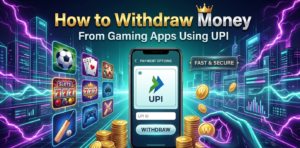
Winzaa supports UPI and direct bank transfer. There’s no minimum withdrawal amount you can move any balance out whenever you want, even small ones.To withdraw:
- Open the app and go to Wallet
- Tap Withdraw
- Choose UPI or Bank Transfer
- Enter the amount and confirm
UPI transfers go through quickly in most cases. Bank transfers depend on your bank’s own processing time usually within a business day or two, but it can stretch longer depending on the bank. If a withdrawal is sitting beyond the expected window, the in-app support chat is the fastest way to chase it up.
Is It Safe to Download an APK from Outside the Play Store?
The honest answer: it depends on where you’re downloading from.The actual risk with APK files isn’t the format itself it’s downloading from an untrusted source. A modified APK from a random Telegram group or unofficial website can contain software you don’t want on your device. That’s true for any app, not just gaming apps.
The fix is the same in every case: only download from the official source, which is winzaa.pro.On the financial side, Winzaa uses UPI and bank transfer for withdrawals. That means your bank credentials and net banking login stay completely outside the app you’re not handing over account passwords or card numbers.
That’s not a guarantee nothing can ever go wrong, and anyone who tells you otherwise about any platform is overselling. But downloading from the official site and using UPI for transactions is a reasonable approach to managing the risk.
Our Blog

Frequently Asked Questions
Is Winzaa available on iOS?
Not currently. The app is Android-only.
Why isn’t Winzaa on the Google Play Store?
Google’s Play Store policy in India restricts real-money gaming apps from this category. APK distribution is the standard route for platforms like Winzaa. It’s not unusual several similar platforms operate the same way.
Is there a minimum withdrawal amount?
No. You can withdraw any amount at any time, including small balances.
How long do withdrawals take?
UPI transfers are typically fast. Bank transfers usually take 1–3 business days, though some banks process them sooner. If yours is taking longer, check with support through the app.
Is the Welcome Bonus automatically added?
Yes, it’s credited when you complete registration through winzaa.pro. No code or manual claim required.
Can I use Winzaa on any Android phone?
It works on most Android devices. Very old phones or those running out of storage may have slower performance, but the app is designed to be lightweight.
What do I do if I change or lose my phone?
Log back in using your registered phone number on the new device. Your account balance carries over it’s tied to your account, not the device.
How do I contact Winzaa support?
Through the in-app support chat, which is available around the clock for registered users.
Can I have more than one Winzaa account?
No. One account per phone number is the policy, and creating duplicates can result in a permanent ban on all associated accounts.
Why shouldn’t I download from winzaa.me or other sites?
winzaa.pro is the official source. Other URLs including winzaa.me are not verified and may distribute outdated or modified versions of the APK. There’s no upside to using them.